You haven't signed in yet, you can have a better experience after signing in
*Please complete the payment within {{receiveCouponInfo.expire_at}}Previous use*
You haven't signed in yet, you can have a better experience after signing in








Activity Rules
1、Activity time:{{ info.groupon.start_at }} ~ {{ info.groupon.end_at }}。
1、Activity time:cease when sold out。
2、Validity period of the Group Buying:{{ info.groupon.expire_days * 24 }} hours。
3、Number of Group Buying:{{ info.groupon.need_count }}x。
Please Pay Attention
1、Teamwork process: Join/initiate a Group Buying and make a successful payment - Within the validity period, the number of team members meets the activity requirements - Group Buying succeeded!
2、If the number of participants cannot be met within the valid period, the group will fail, and the paid amount will be refunded in the original way.
3、The number of people required and the time of the event may vary among different products. Please pay attention to the rules of the event.
Enhance your email
Significantly improve your work efficiency
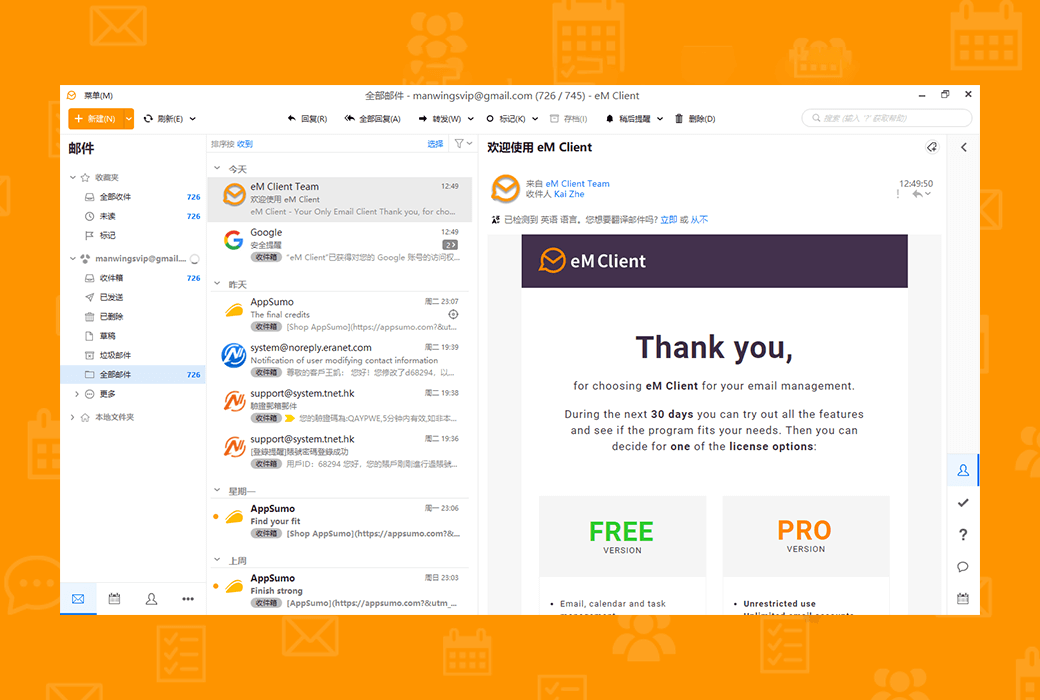
Get professional email clients for Windows and macOS for professionals and home users.
Break your email routine
EM Client can enhance your email communication and improve your work efficiency. See how it works, within 90 seconds.
Master your workflow
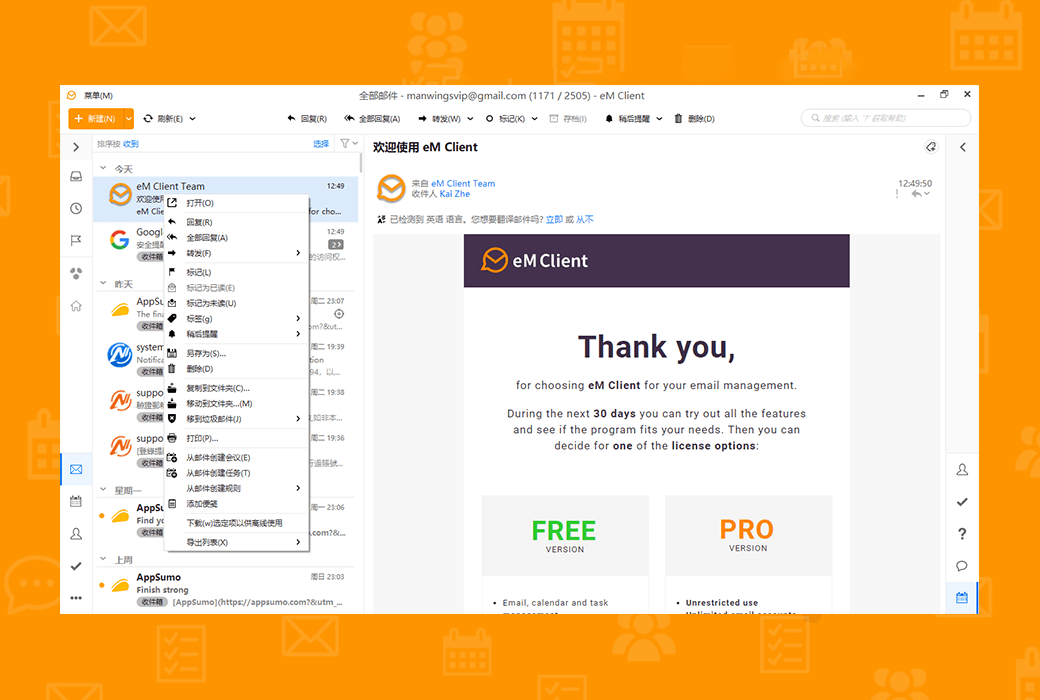
Discover unique tools to improve productivity and better email management.
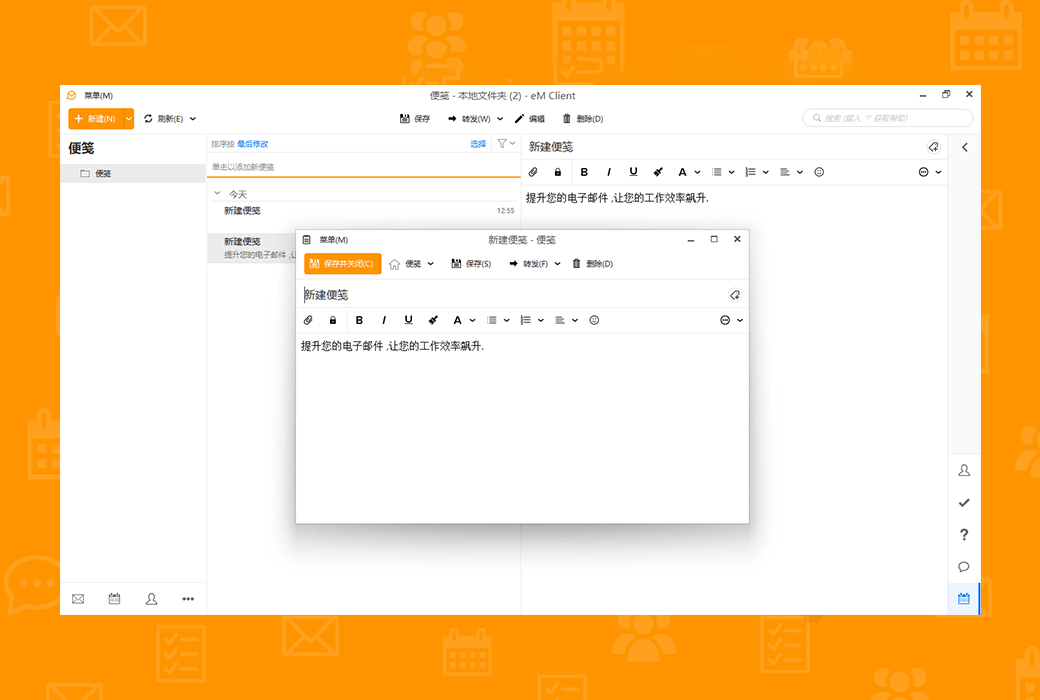
EM Client covers
All professional communication needs of any team or enterprise. EM Client is the ideal choice for the company.
Explore excellent combinations of features
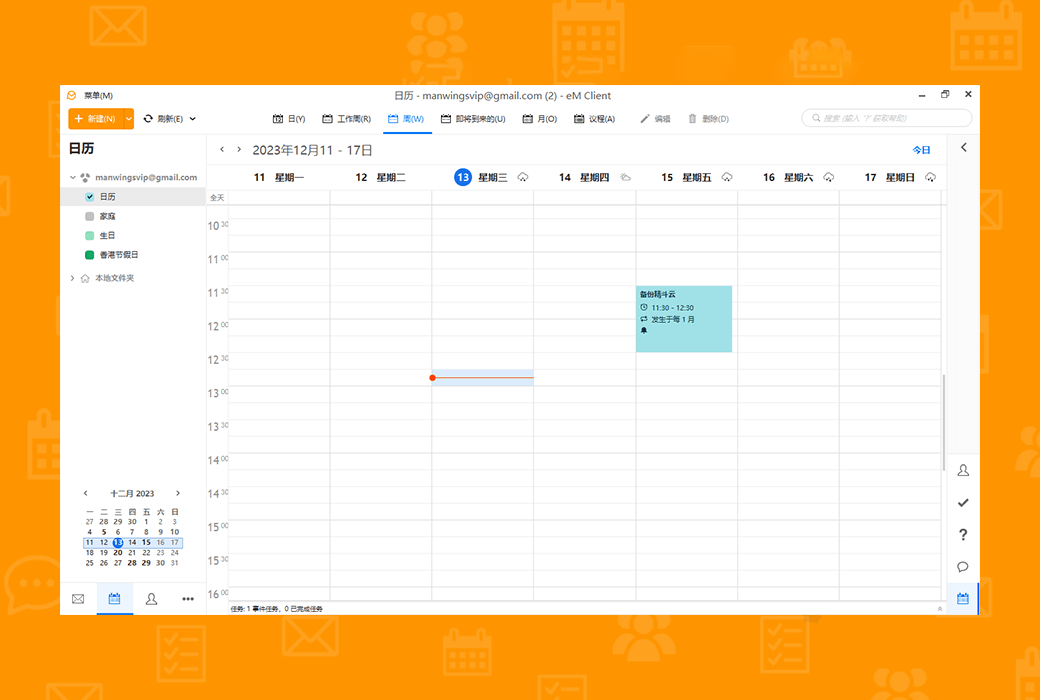
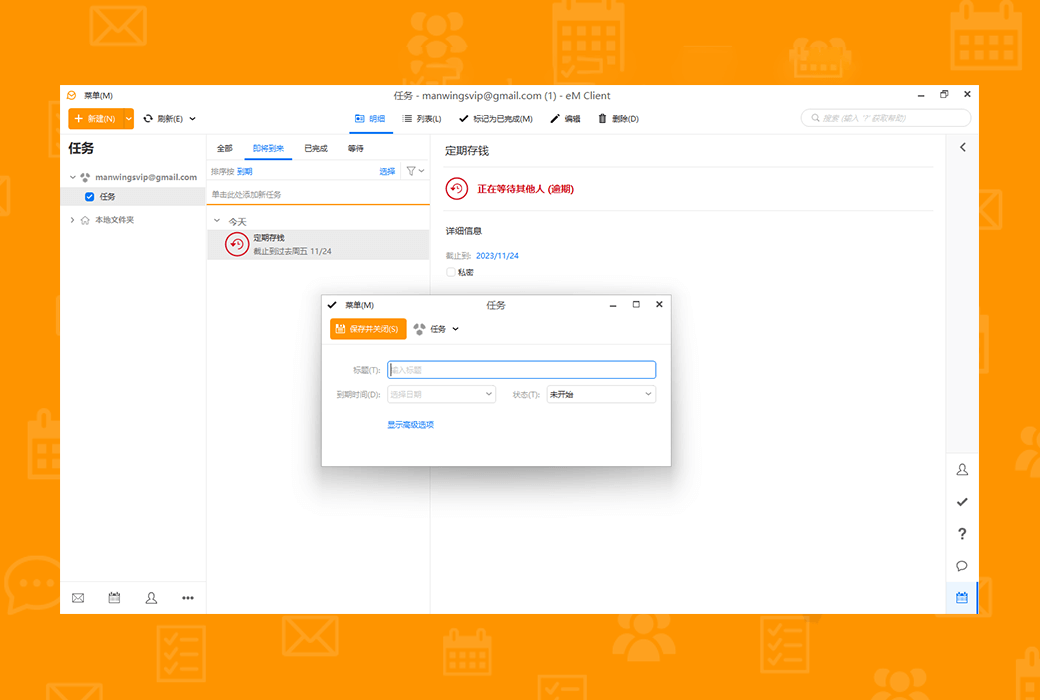
EM Client is a productivity tool that goes far beyond email functionality.
Fully compatible productivity tools
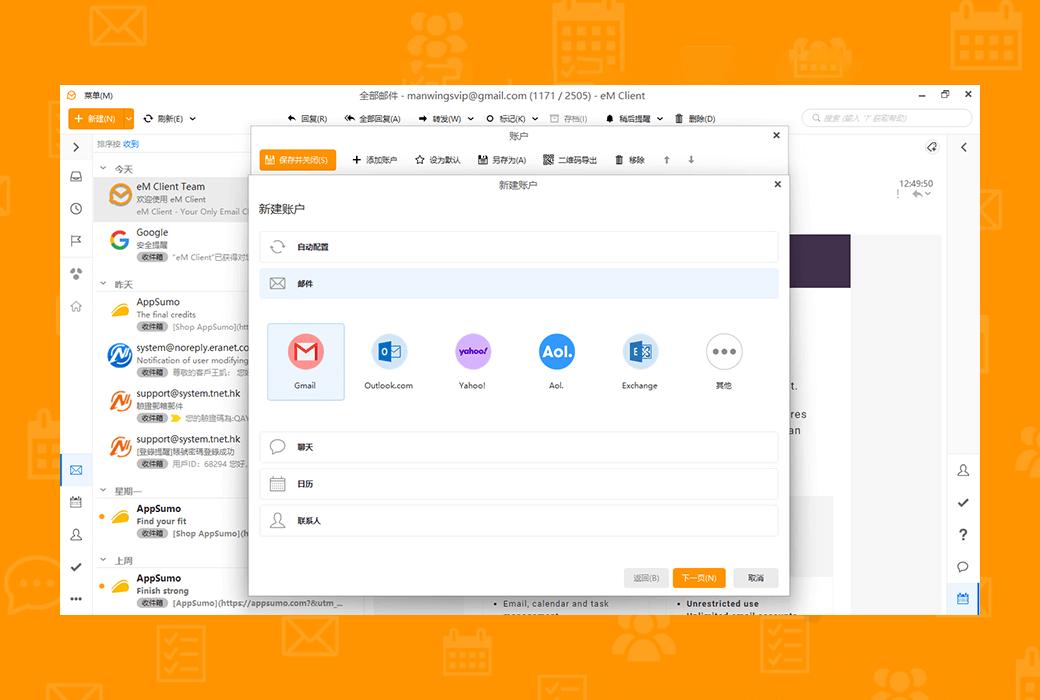
The compatibility of eM Client is unparalleled. Connect to any email service - it will work.
Improve your email efficiency significantly and increase your work efficiency
Get professional email clients for Windows and macOS for professionals and home users.
Official Website:https://www.emclient.com
Download Center:https://emclient.apsgo.cn
Alternate Download: N/A
Shipping Time: Orders are processed manually online.
Operating Platform: Windows, macOS
Interface Language: Supports Chinese interface display, with multiple languages available.
Update Instructions: Lifetime version: The software vendor promises permanent use and free updates. Minor version: Supports minor version updates and upgrades, such as v11.x.
Trial before Purchase: 30-day free trial.
How to Receive the Product: After purchase, activation information will be sent to the email used for ordering via email.
Number of Devices: The personal version can be installed on 3 computers, while the enterprise version is determined by the number of licenses purchased.
Changing Computers: After deactivating within the software, activate on a new device.
Activation Guide: To be added.
Special Instructions: To be added.
References:https://www.emclient.com/pricing

Any question

There are two types of archives: local archives and server-side archives.
For local archiving, eMClient includes an automatic archiving feature that allows you to download all messages from the server that exceed a selected number of days and store them on the local drive
Up there. These emails can be found in the Archive folder on the left pane of the program, located below the accounts folder and local folders.
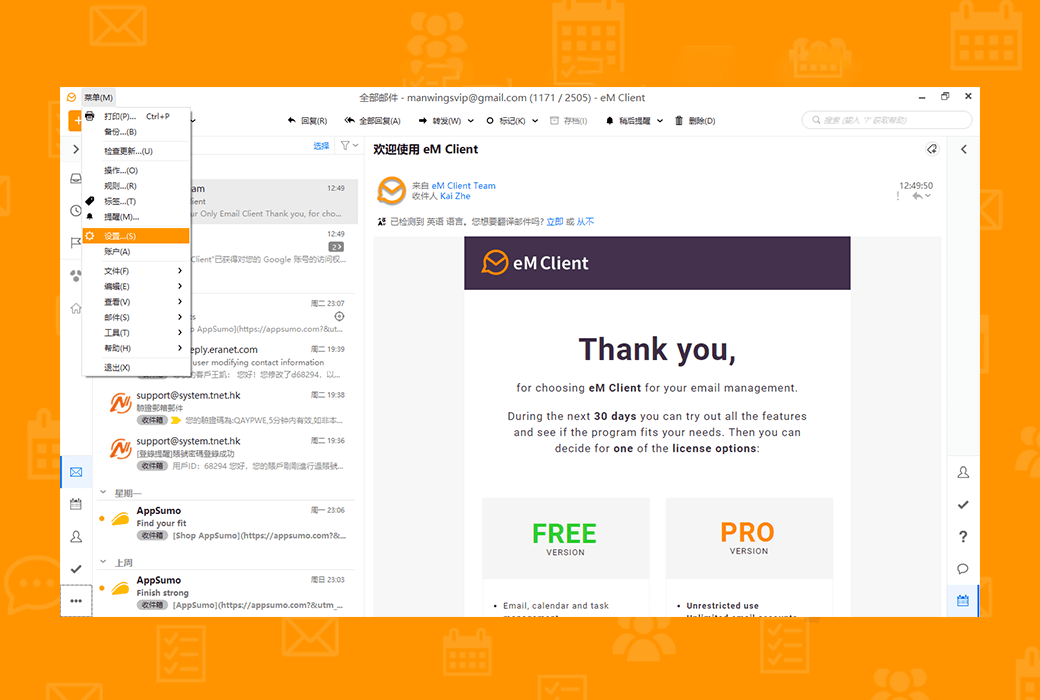
You can go to Menu>Settings>Mail>; Automatic Archiving Find this option below.
Archiving Scope must be set under the Account Preferences section to perform archiving.
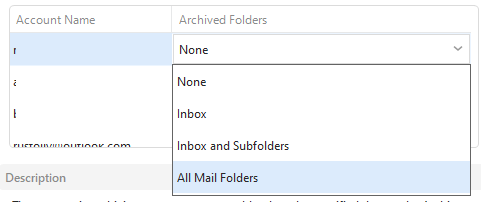
Server side archiving is applicable to all IMAP and Exchange accounts. The archive folder will be displayed in the account's own folder,
You can use the 'Move to Archive' button or shortcut to move emails from these accounts' folders to their specific archive folder in one step.
This feature initially only supported those Google accounts, where the 'Move to Archive' option only deleted the inbox tab,
Just like on webmail, save emails in all email folders.